
WMS Implementation Guide: From Setup to Success
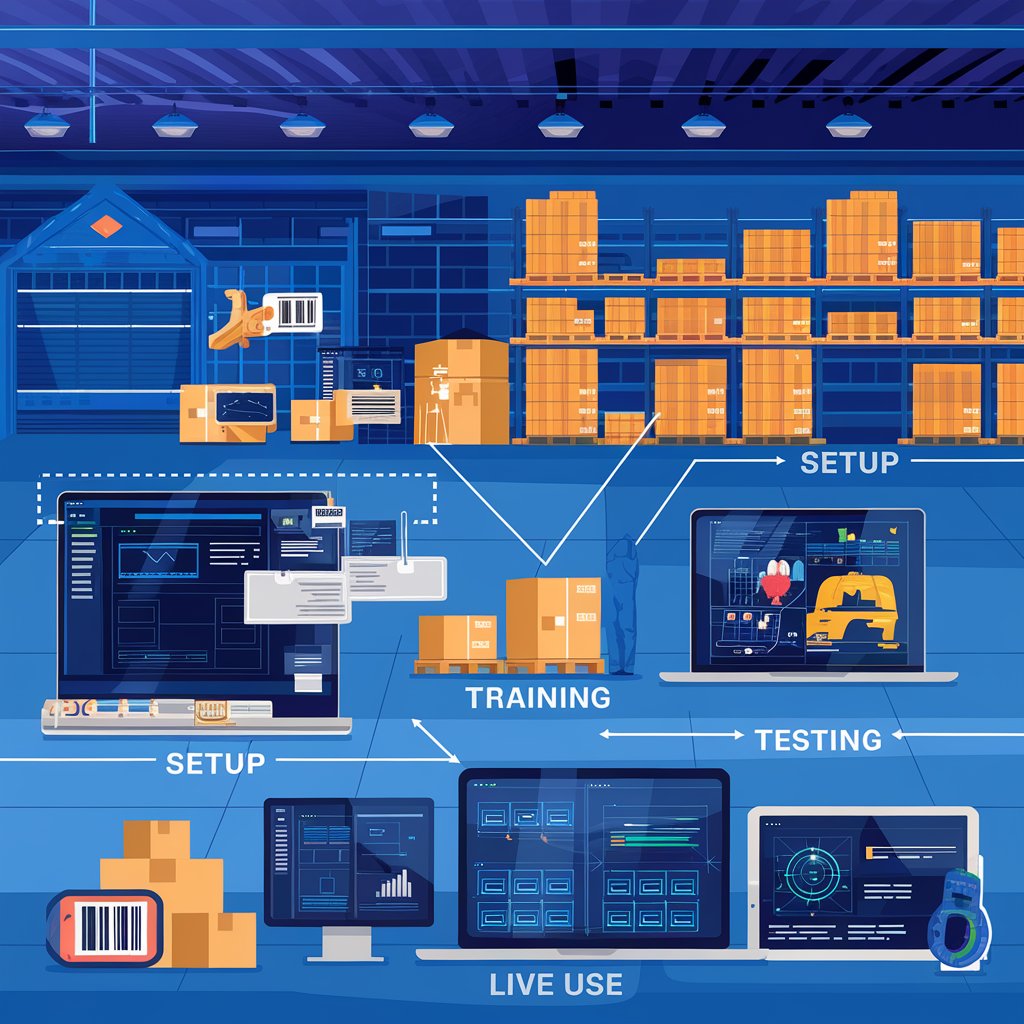
🚦 Step 1: Define Your Goals and Needs
Before choosing or configuring your WMS, start with clarity:
- What warehouse challenges are you solving?
- Are you focused on inventory accuracy, faster picking, or reducing manual tasks?
- Do you need integrations (ecommerce, TMS, ERP)?
🎯 Tip: Align software features with your operational priorities from day one.
🧩 Step 2: Map Out Your Warehouse Workflows
A successful WMS adapts to your flow — not the other way around. Document your current warehouse operations:
- Inbound (receiving, put-away)
- Storage and bin systems
- Picking and packing methods
- Shipping and dispatch
- Returns and cycle counting
📌 Pro tip: Identify process bottlenecks and look for automation opportunities during this stage.
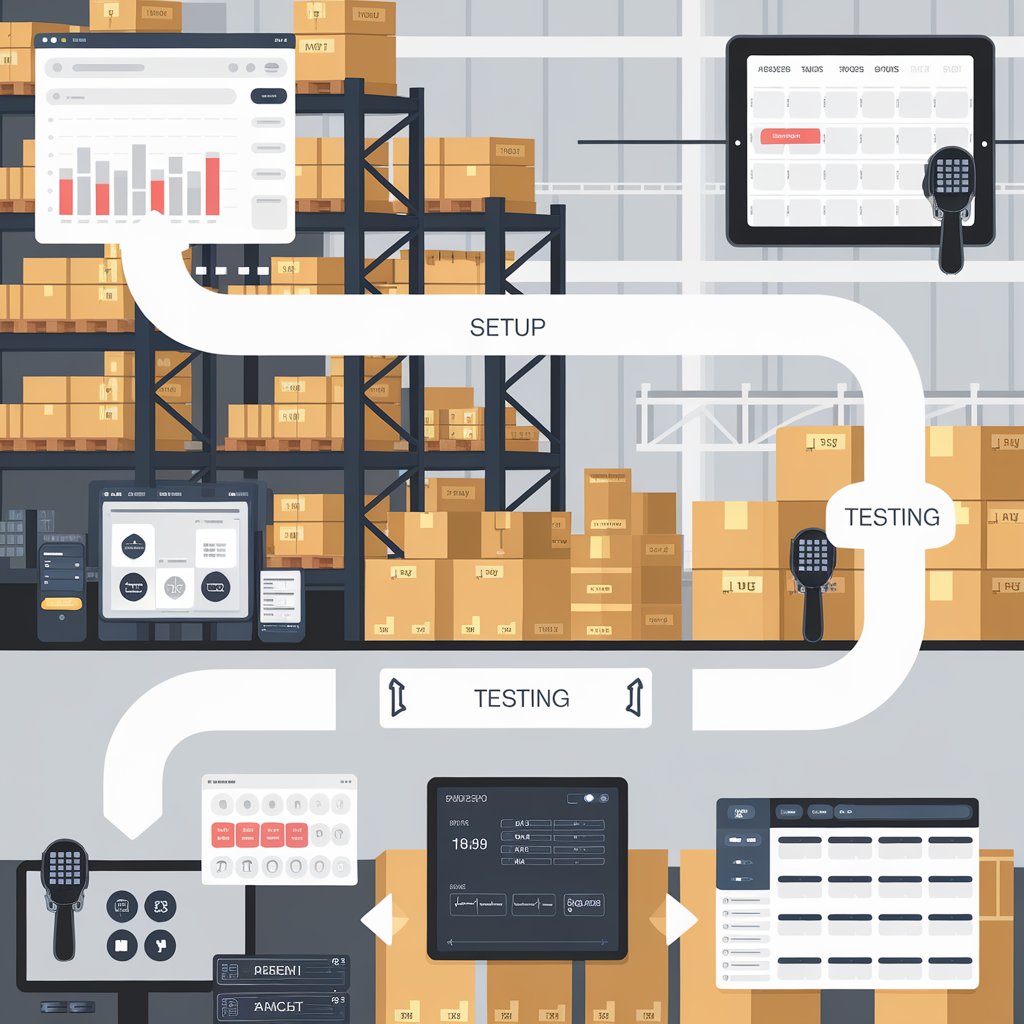
🖥️ Step 3: System Configuration and Setup
Now it’s time to configure your WMS based on your mapped workflows.
- Set up warehouse zones and bin locations
- Upload SKUs and product attributes
- Define user roles and permissions
- Configure scanning devices and hardware
- Connect to external platforms (ecommerce, TMS, ERP)
⚙️ Note: This stage is often smoother with a provider that offers clear onboarding documentation or guided setup.
👨🏫 Step 4: Staff Training
A great WMS is only as effective as the team using it.
- Train staff on how to use the interface
- Practice picking, receiving, and labeling tasks
- Run mock orders to simulate real workflows
- Provide quick-reference guides and support access
📚 Tip: Focus on team buy-in — warehouse staff are your power users.
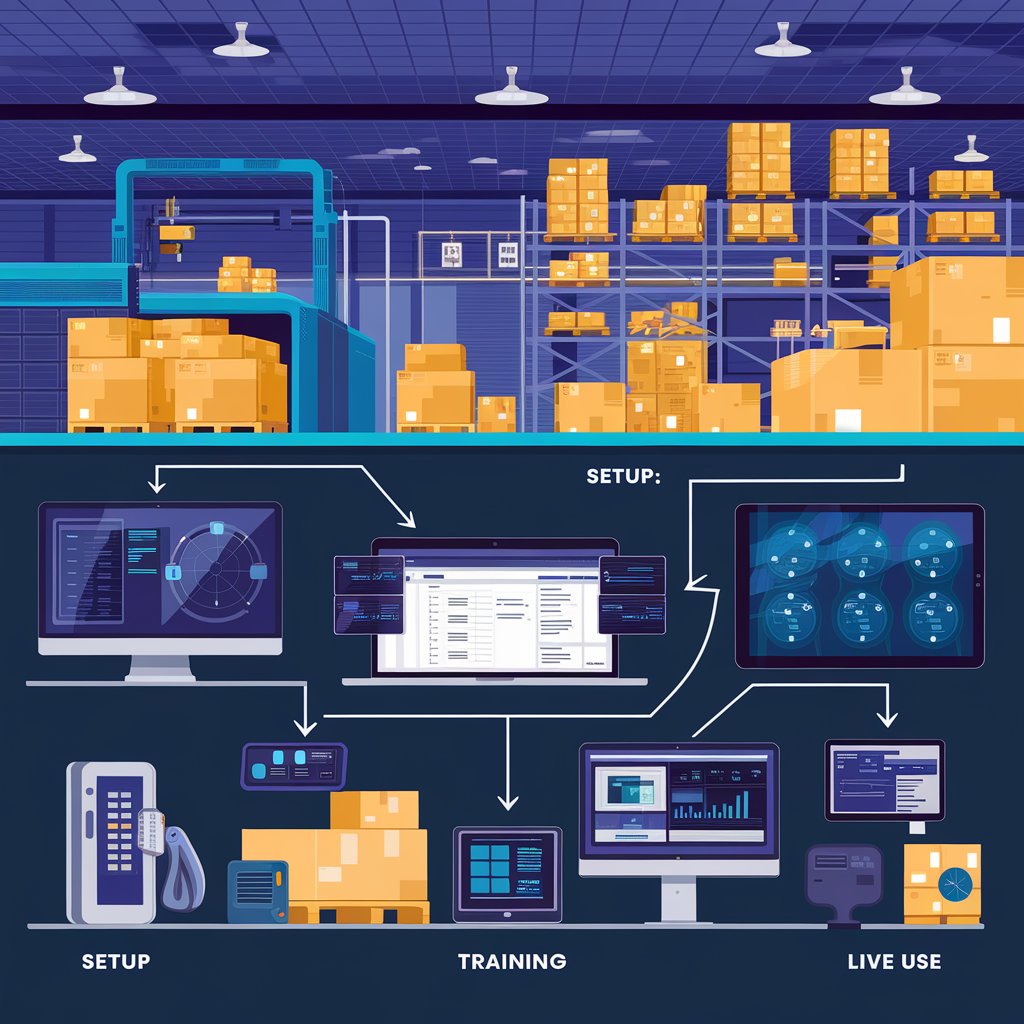
🧪 Step 5: Test Before You Go Live
Run a controlled pilot phase before full launch:
- Test integrations and real-time syncing
- Validate inventory movement and system accuracy
- Identify any user confusion or technical glitches
🧭 Goal: Resolve issues in a sandbox before impacting customers or operations.
🚀 Step 6: Go Live (Gradually)
Launch in phases if possible:
- Start with a single zone or product line
- Monitor performance metrics daily
- Adjust rules and permissions as needed
🔄 Tip: Keep your old system on standby temporarily during the transition.
📊 Step 7: Monitor, Optimize, and Scale
After launch, continue tracking:
- Inventory accuracy
- Order fulfillment speed
- Error rates and return reasons
- User activity and productivity
Use this data to refine processes, retrain staff, and scale the system as your operation grows.
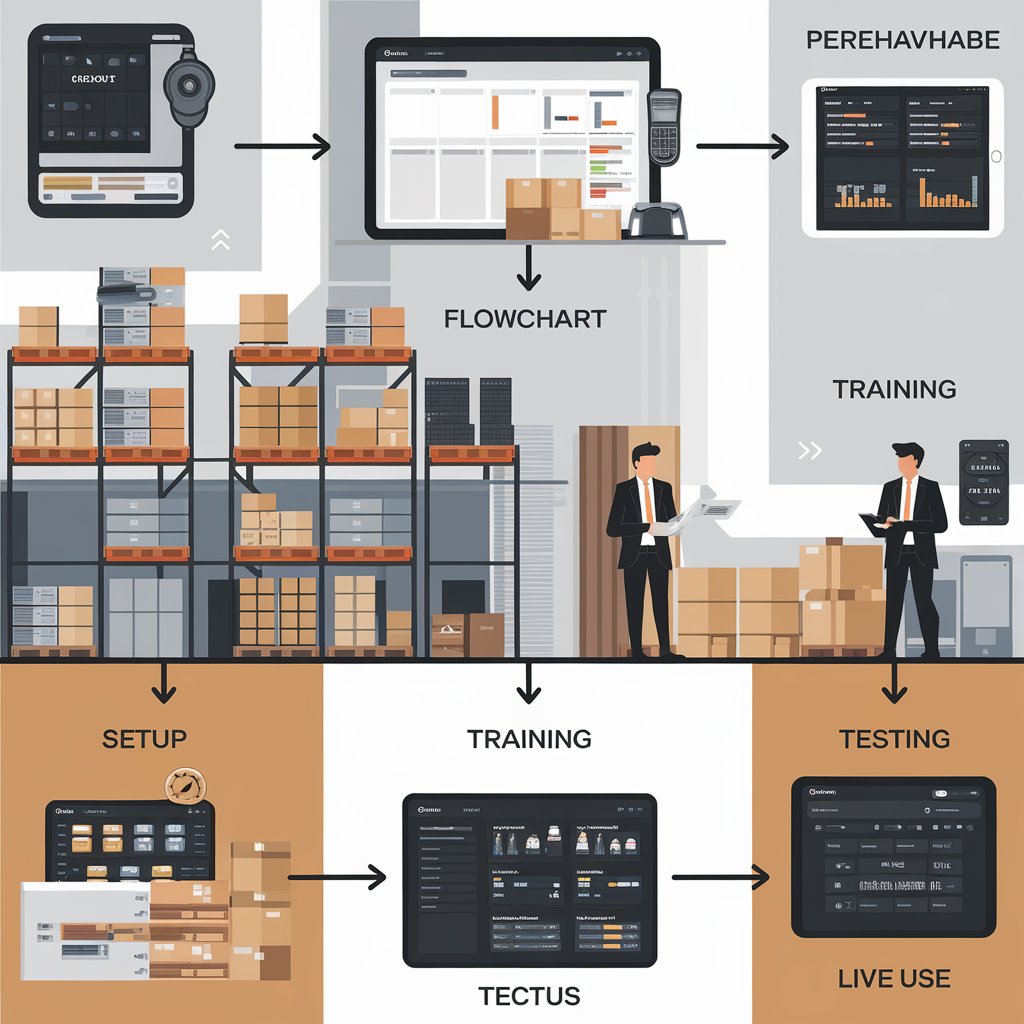
🧭 Common WMS Implementation Pitfalls to Avoid
❌ Skipping the planning stage
❌ Not involving warehouse staff in testing
❌ Failing to integrate with existing systems
❌ Underestimating training time
❌ Going live all at once with no fallback
🏁 Final Thoughts
A successful WMS implementation is not just about installing software — it’s about transforming your operations with the right strategy, training, and support. By following a structured rollout plan, you’ll reduce friction, empower your team, and set your warehouse up for long-term efficiency.